Orgnizn brings tasks from Asana, Monday.com, and Jira into a single personal workspace — without the cloud.
Orgnizn does not modify external tasks.
All imports are one-way and read-only.
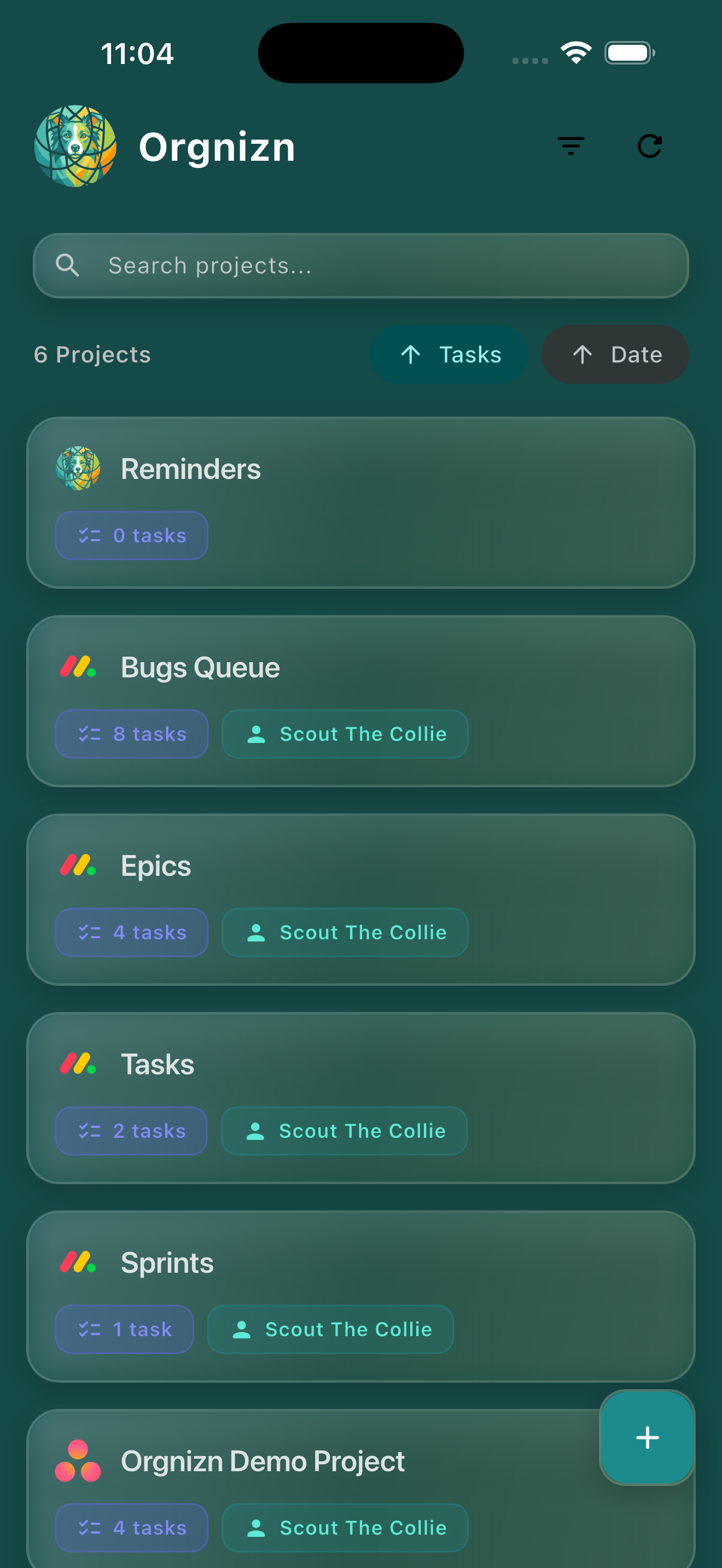
Orgnizn is a lightweight iOS app that aggregates tasks from your existing project management tools into a single, quiet place to see what needs your attention.
It also lets you create local projects that live only on your device — for personal work, side projects, or anything you don't want mixed into a shared workspace.
Connect once. View everything. Create what you need locally.
Authorize one-way, read-only access from Asana, Monday.com, or Jira through their official OAuth flows.
Orgnizn never writes back to these services.
Imported tasks appear alongside each other, still linked to their original source for reference.
Build projects and tasks that exist only on your device. No syncing. No cloud storage. Just yours.
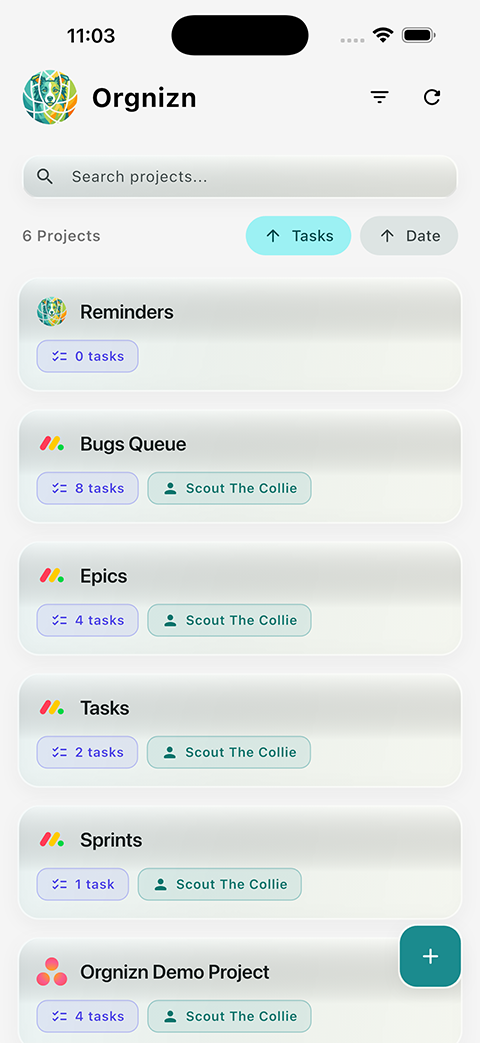
Adapts to your preference, works across your devices.
Light mode
Dark mode
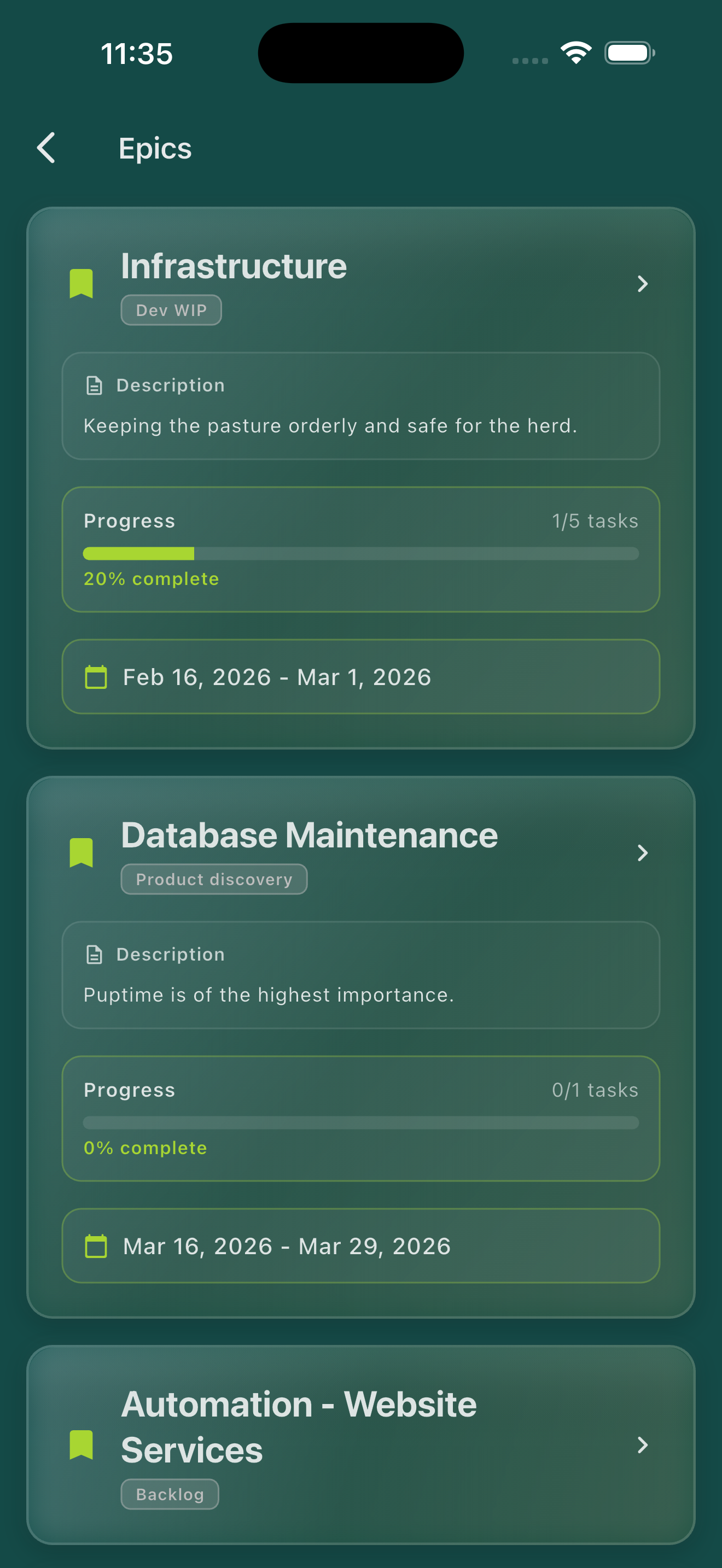
Epics & progress
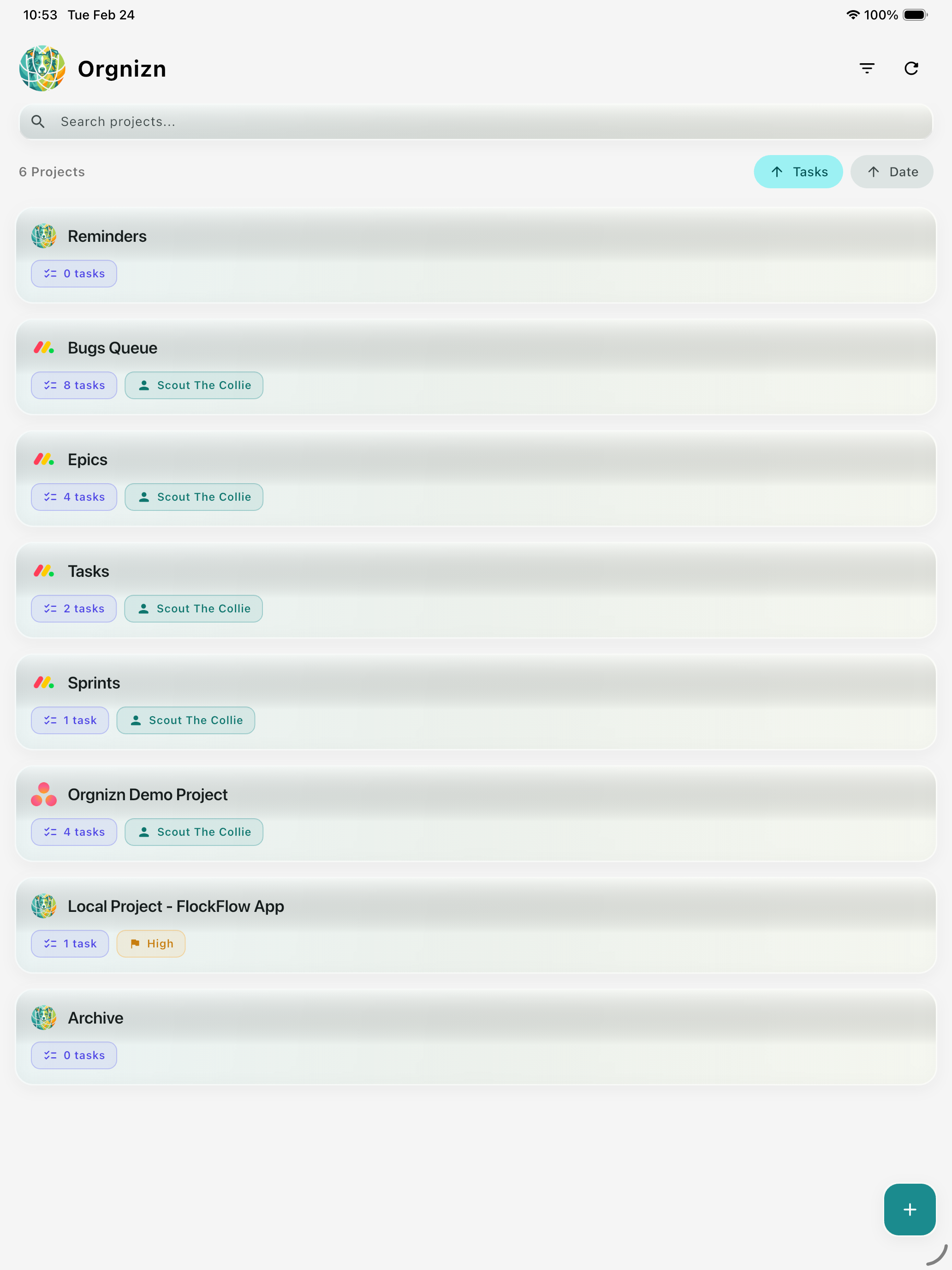
iPad
Orgnizn is designed around one principle: your personal task data is yours.
Tasks you create locally stay on your device only. Nothing is uploaded to GoHerd servers.
Connected tools are strictly one-way. Orgnizn cannot edit, move, or delete tasks in Asana, Monday.com, or Jira.
Orgnizn contains no analytics SDKs, behavioral tracking, or advertising frameworks.
GoHerd Inc does not sell, license, or share your task data with any third party.